
Shopify Inventory Adjustment Reasons
The following Shopify "Inventory Adjustment Reasons" are available in EZ Inventory when configuring a Data Feed.
These options are similar to the adjustment reasons provided in the Shopify Admin when manually updating inventory quantities.
| Display Name | API Value | Description | |
|---|---|---|---|
| Correction | correction |
|
|
| Count | cycle_count_available |
|
|
| Received | received |
|
|
| Return Restock | restock |
Used to add a returned unit back to available inventory so the unit can be resold. | |
| Damaged | damaged |
Used to remove units from inventory count due to damage. | |
| Theft or Loss | shrinkage |
|
|
| Promotion or Donation | promotion |
Used to remove units from inventory count due to a promotion or donation. |
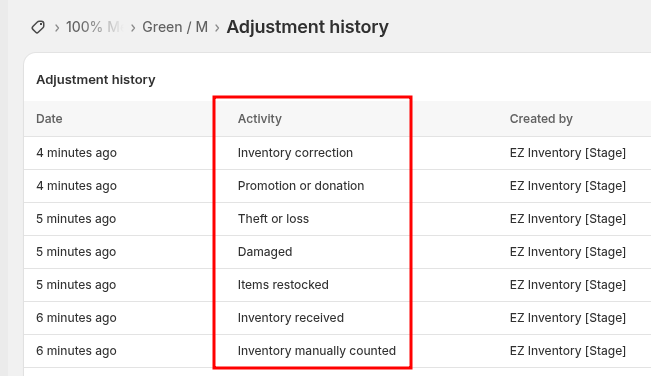
These adjustment reasons will show up in the "Adjustment history" page of the Shopify Admin and also in the Shopify Analytics Reports:
App: EZ Inventory