
How do I cancel a deletion in progress?
If you're deleting a previously imported file, you can cancel the deletion while it's in progress. This will stop the deletion before it tries to delete the next order from the import.
To cancel the ongoing deletion, go to the Review Import page and scroll to the bottom. At the bottom of the page, you'll see a Cancel Delete button.
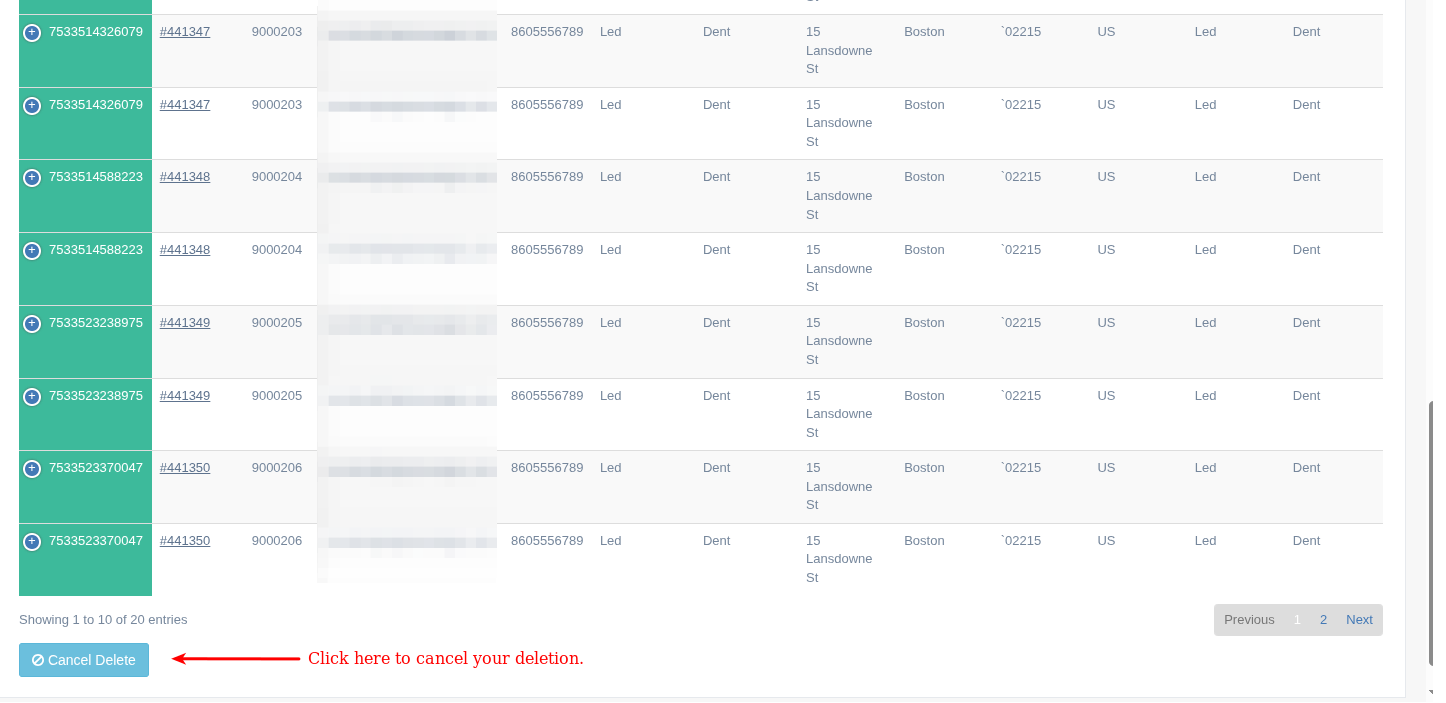
As with canceling an import, clicking the Cancel Delete button takes you to a confirmation page.
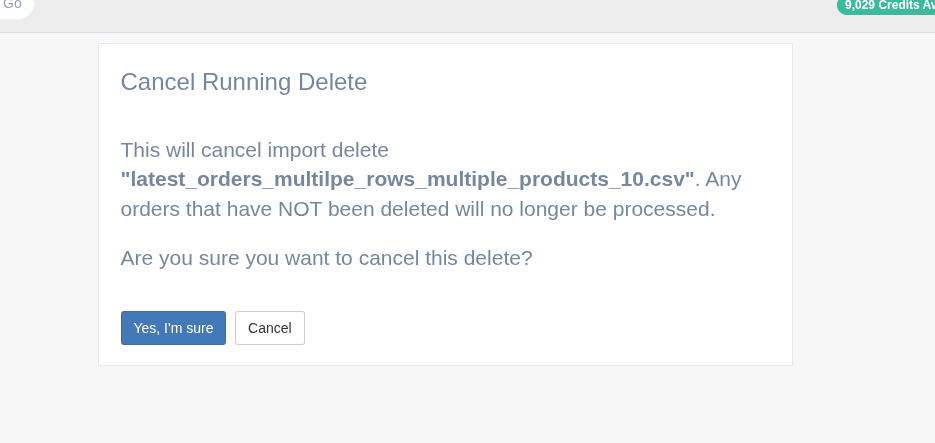
If you want to continue canceling the import deletion in progress, click Yes, I'm sure; otherwise, click the Cancel button, which takes you back to the review import page and continues deleting your import.
Canceling the deletion will stop your imported orders from being removed from Shopify. Any orders that have not finished being deleted will still exist in your Shopify store.
App: EZ Importer
Tags: cancel, delete, delete orders, ez importer, faq, getting started