
EZ Importer: Cancel Deletions in Progress

EZ Importer now lets you cancel running deleted imports. We've heard from merchants who accidentally started deleting an import, only to realize they don't want the orders removed from Shopify. Although this doesn't happen often, it's pretty important to stop the deletion when it does.
After you start your delete, EZ Importer puts your import in what we call the running state. You know your import is running when the status field on the Review Import page shows "running". You'll also see the Progress bar, similar to how the import process works.
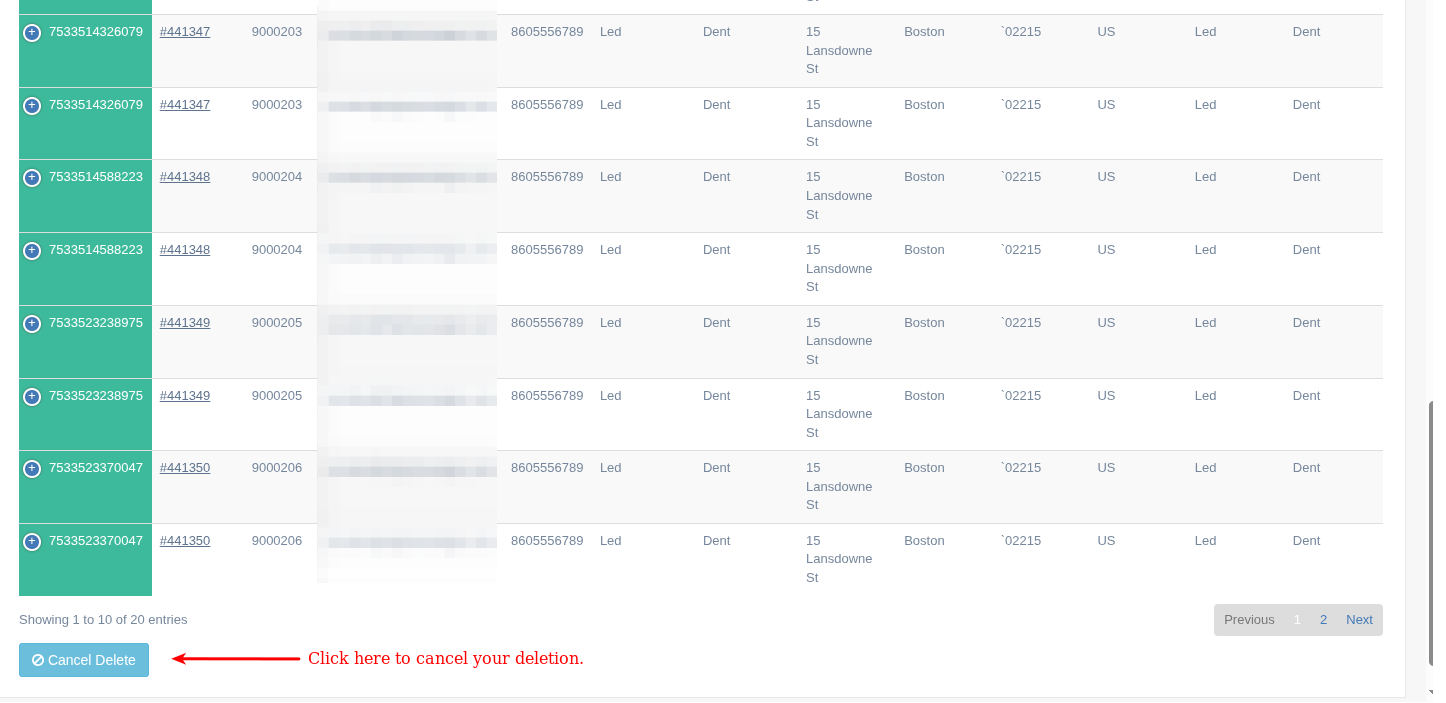
If you scroll to the bottom of the page, you will see a light blue button labeled "Cancel Delete". Clicking the button will take you to the cancellation confirmation page. Clicking Yes, I'm sure on the confirmation page will cancel your running import.
If you decide to cancel the deletion, orders that have already been deleted will be removed from Shopify, and orders that have not yet been processed will remain in your Shopify store. To get an in-depth understanding of this feature, check out our knowledge base article here.
This feature was long overdue and is something we think will be extremely valuable when needed. Even though it's not used a lot, it's important when you need it.
Tags: ez importer, new features, delete